Quick Summary
Most Hayati Pro Ultra Plus faults are pod contact problems, not dead devices. Before you bin it, try this:
-
Blinking light, no vapour: remove the pod, wipe the gold contacts dry, click it back in.
-
Blinking during a puff: you drew past the 8 to 10 second cut-off. Take shorter pulls.
-
Blinking on charge: swap the USB-C cable and clear lint out of the port with a dry cocktail stick.
-
Burnt taste: the pod is empty or the coil is dry. Rest a new pod upright for five minutes before first use.
-
No light at all after a full charge: that one is a battery or board failure, and it is a warranty job.
Work through them in that order. Nine times out of ten you are back vaping inside two minutes.
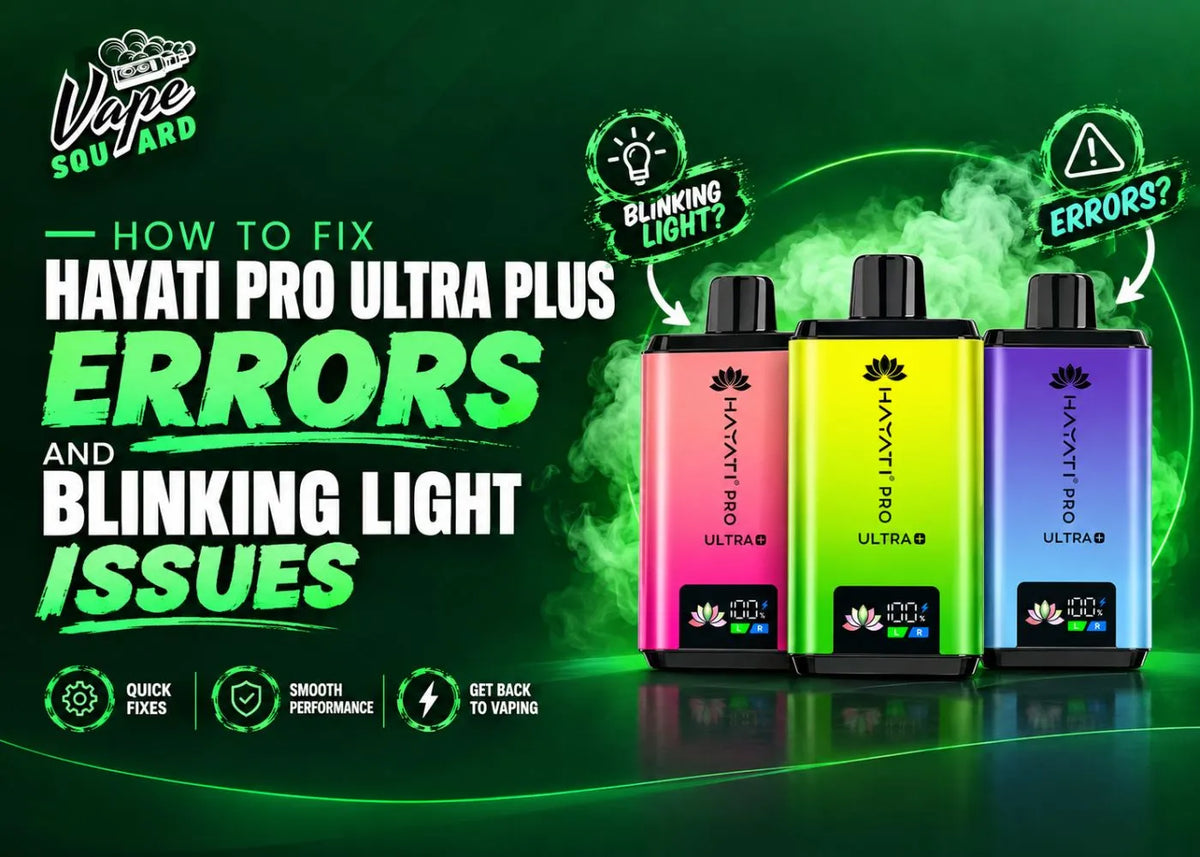
Your Hayati worked fine yesterday and today it blinks and does nothing. Annoying, but it is rarely terminal. Almost every fault on these kits traces back to one of five things: dirty contacts, a tired pod, a bad cable, a blocked airflow slot, or a battery that has genuinely reached the end. This guide walks each one in the order a UK Prefilled Vape Supplier would check them behind the counter, so you waste the least time before you know whether to fix it or claim it. No tools needed, and nothing here involves opening the device.
Hayati Pro Ultra Plus Reset: The 60 Second Fix to Try First
This single routine fixes more Hayati faults than everything else on this page combined, so start here before anything clever.
Why Most Hayati Faults Are Not Battery Faults
E-liquid creeps out of the pod base and settles on the gold contact pads. The device then cannot detect the pod, so it blinks instead of firing. It looks exactly like a flat battery. It is not.
A pod sitting a millimetre proud does the same thing. You will not see it. You will feel it when you press down and it clicks a second time.
The Hayati Pod Reset, Step by Step
-
Pull the pod straight out, not at an angle.
-
Check the two gold pads on the pod base. Wet, shiny or smeared means dirty.
-
Dry them with tissue, then dry the matching contacts inside the device.
-
Push the pod back in until it clicks and sits flush.
-
Take one slow draw.

Hayati Pro Ultra Plus Blinking Light: What Each Pattern Means
Blink patterns cause the most confusion, so here is the honest position followed by a diagnosis table.
There Is No Official Hayati Blink Code Chart
Hayati does not publish an LED code chart for the Pro Ultra Plus. Any article presenting one as manufacturer fact is guessing. What follows is what each pattern reliably points to in practice on these mesh coil pod kits.
Hayati Blink Patterns and Their Likely Causes
|
What you see |
Usual cause |
What to do |
|
3 blinks when you puff, no vapour |
Pod not detected, contacts dirty |
Reseat the pod, dry the contacts |
|
3 blinks, still nothing after reseating |
Short circuit from a faulty pod |
Test a second pod before blaming the device |
|
Light blinks mid-puff and cuts out |
8 to 10 second auto cut-off tripped |
Shorter draws, around 3 to 4 seconds |
|
10 or more rapid blinks |
Battery critically low |
Charge for 30 to 45 minutes |
|
Blinks while plugged in, never charges |
Bad cable, dirty port, or failed cell |
New USB-C cable first, then clean the port |
|
No light at all, charged or not |
Battery or board failure |
Stop. This is a return, not a fix |
How to Tell If the Pod or the Device Is at Fault
Swap in a different pod. If the fault follows the pod, the pod is dead. If the fault stays with the device, the device is dead.
That one test stops you replacing a working kit. Keep a spare from our replacement prefilled pods range in the drawer purely as a diagnostic tool.
Hayati Pro Ultra Plus Not Firing or Giving Weak Vapour
Thin vapour is an airflow or liquid problem far more often than a power problem.
Airflow and Draw Problems
-
Pocket lint blocks the airflow slots. A dry cotton bud clears them.
-
Gripping the mouthpiece too tightly seals the air path. Leave a small gap.
-
A fast, hard pull on a mouth to lung kit gives you less vapour, not more.
Battery and Liquid Level Checks
-
A battery under 10 percent fires weakly even when the light looks normal.
-
Hold the pod to the light. A pale, dry-looking wick means it is finished.
-
Thin vapour on a brand new pod with a full battery means a damaged coil, which is a faulty item rather than user error.
Hayati Pro Ultra Plus Burnt Taste: Causes and Fixes
Burnt taste means the cotton around the coil heated while dry. Fix the cause, because a scorched coil never recovers.
Why Hayati Coils Burn
-
Chain vaping, so the wick never gets time to re-saturate.
-
Puffing a brand new pod immediately, before the cotton has soaked.
-
Pushing on through an empty pod and burning the last of the wick.
How to Stop It Happening Again
-
Fit the pod and leave it upright for five minutes before the first puff.
-
Leave 20 to 30 seconds between draws for the first few pulls on a new pod.
-
Swap the pod the moment flavour turns sharp. There are no bonus puffs at the end.
The Pro Ultra Plus runs a 2ml pod at 20mg nicotine salt, which is the UK TPD maximum. That strength already gives a firm throat hit, so an acrid, scratchy hit is a burnt coil, not normal.
Hayati Pro Ultra Plus Not Charging: Cable, Port and Battery Checks
Charging faults split three ways. Test them in the order below, because each step is cheaper than the one after it.
Step 1: Rule Out the Cable
Cheap USB-C cables carry power poorly or not at all. Test with a cable you know charges another device. This is the most common cause and costs nothing to eliminate.
Step 2: Clear the Charging Port
Lint compresses into a hard pad at the bottom of a USB-C port and stops the cable seating properly. Use a dry wooden cocktail stick, never metal, and never while the device is plugged in.
Step 3: Judge the Battery
If the device feels warm, unplug it and wait 15 minutes before retrying. A flat Pro Ultra Plus should reach full in roughly 45 to 60 minutes. If it charges fully then dies within an hour of light use, the cell has degraded and no cleaning will help.
When a Hayati Pro Ultra Plus Is Beyond Repair
Some faults are not home-fixable, and there is no point pretending otherwise.
Signs the Device Has Failed
-
No LED response at all after a confirmed good cable and an hour on charge.
-
Visible damage to the charging port, or the port moves when you insert a cable.
-
The device gets hot rather than warm while charging.
-
Liquid has reached the battery housing, not just the pod bay.
What to Do Next
Contact the retailer you bought it from with your order number. If it came from us, use the Vape Squard contact page.
Do not open the battery housing. These are sealed lithium cells and prising one apart is a fire risk.
Conclusion: Hayati Pro Ultra Plus Troubleshooting in Order
This is a checklist, not a repair skill. Run it top to bottom and stop at whatever fixes it.
The Order to Work Through
-
Contacts, dried and reseated.
-
A second pod, to isolate pod from device.
-
A known good USB-C cable.
-
The charging port, cleared of lint.
-
The battery, judged on how it holds charge.
No light and no charge after all five is a warranty claim, not a fix.
Where to Get Replacement Hayati Pods and Kits
We stock the Hayati Pro Ultra Plus 25K prefilled pod kit at £10.99 across 21 flavours, with free delivery once your basket passes £25, plus the wider Hayati prefilled range if you want a different model. If you are weighing up something smaller, our write-ups on the Hayati Pro Ultra 15000 and the Hayati Pro Max cover how they hold up day to day.
Hayati Pro Ultra Plus FAQs
Why is my Hayati Pro Ultra Plus blinking and not working?
Almost always a pod contact issue. E-liquid or condensation on the gold contacts stops the device detecting the pod, so it blinks instead of firing. Remove the pod, dry both sets of contacts with tissue, and click it firmly back in. If it still blinks, test a second pod.
How long does a Hayati Pro Ultra Plus take to charge?
Roughly 45 to 60 minutes from flat with a decent USB-C cable. Significantly longer points at the cable or a lint-blocked charging port rather than the battery. Clean the port with a dry wooden cocktail stick before assuming the device has failed.
Can I fix a Hayati Pro Ultra Plus that shows no light at all?
No. If there is no LED response after an hour on a cable you know works, the battery or control board has failed. That is not a home repair. Contact the retailer with your order number and claim a replacement instead.
Why does my Hayati taste burnt on a new pod?
You puffed before the cotton soaked. Fit the pod, leave it upright for five minutes, then take slow draws with gaps between them for the first few pulls. Once a coil is scorched the taste does not come back, so the pod has to be replaced.
Is the Hayati Pro Ultra Plus still legal in the UK?
Yes. It is a rechargeable kit with replaceable 2ml pods at 20mg nicotine, which meets UK TPD rules and sits outside the single-use disposable ban introduced on 1 June 2025. Check any kit is MHRA notified before buying.