How to Replace Titan 10K Prefilled Pods? A Step by step Guide
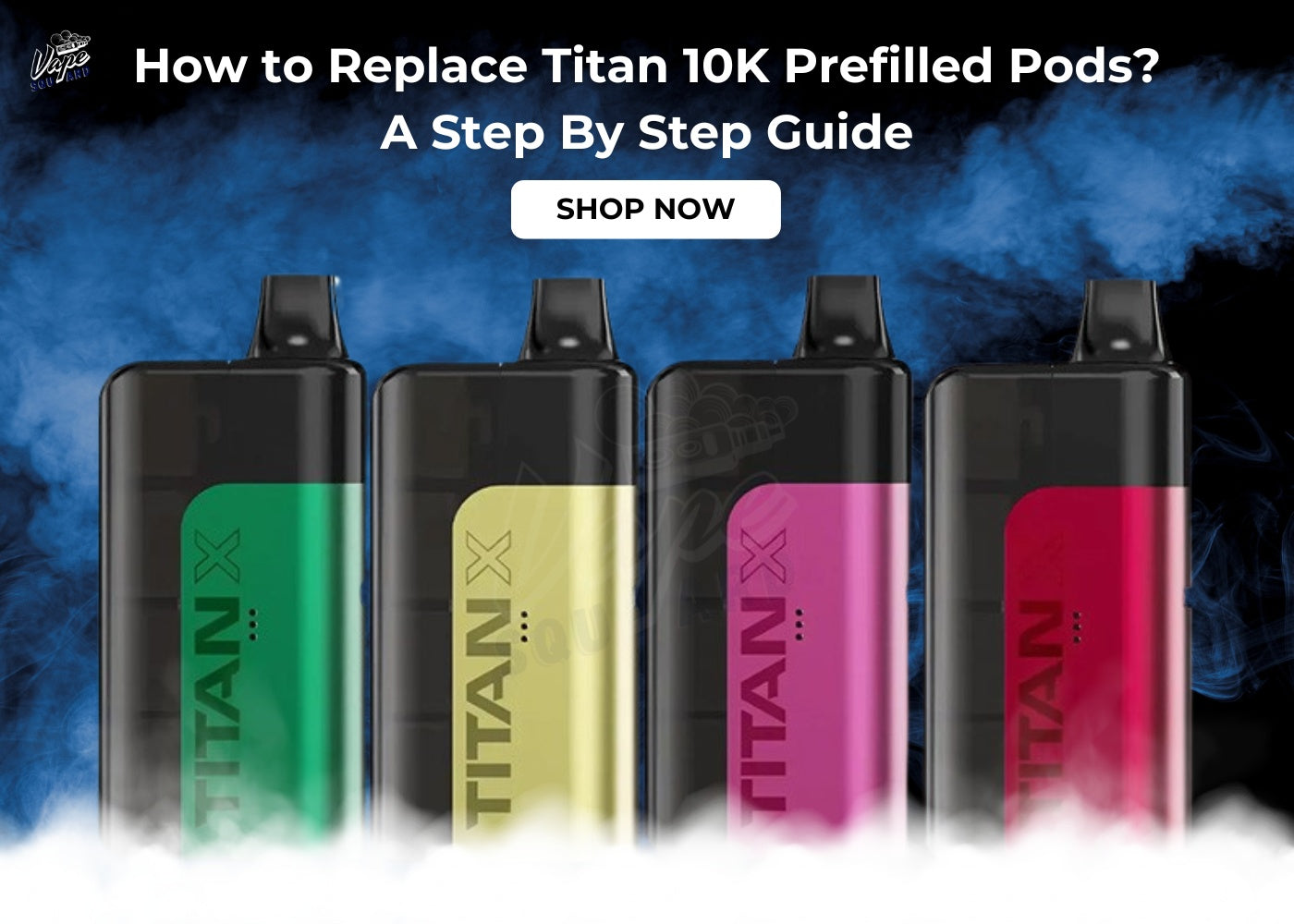
Titan 10K Prefilled Pods range has revolutionized vaping for those users who seek a combination of the large puff count of a "big puff" pod together with the sustainable aspect of a refillable pod kit.
What makes this product line distinctive from other pod kits is the use of a "capsule" type of configuration, which enables one to achieve 10,000 puffs and be TPD-compliant at the same time.

In case you have acquired a Titan 10K device or several pods as a replacement, let's see how to set it up properly.
How to Use Your Titan 10K Prefilled Pods
Titan 10k prefilled pods price are designed with the performance enthusiast in mind and are meant to be reliable all day long. They are described as smart because they optimize the consumption of power and taste.
-
Smooth Activation Drawing: Similar to its name, the Titan is powerful but straightforward. No button needs to be pressed, just draw air in, and the internal sensor will activate the vaporization.
-
Multi-Pod System: The most common variant of the Titan series is the Titan 10k, which features an intelligent internal design that houses several pods. Rather than cooking the same coil for 10k puffs, it ensures that you get fresh flavor throughout the lifetime of the device.
- Titan Pod Priming Method: Once the new pod is inserted into your Titan base, wait patiently for at least 3-5 minutes for the vape juice to completely move into the mesh coil.

How to replace Your Titan 10K Prefilled Pods
The installation of new pods on Titan 10K (Titan X) requires a little bit more effort, compared to a simple "plug-and-play" e-cig, due to the incredible pod capacity feature of the vaping gadget.
The thing is that unlike a classic single-chamber vape, Titan X Refill Pods is designed to incorporate multiple capsules inside its body.
Below, you will see step-by-step instructions on how to properly take apart your Titan vape and replace used pods with new ones:
1 - Access the Internal Housing
Titan 10K includes an external shell which makes pods safe and hidden inside, providing a sleek device design.
-
Take off the Cap: First of all, you will have to disassemble your device and access the internal chamber. Simply pull off the "outer shell" part from the battery base by grabbing both parts firmly and twisting gently.
- Find and take out used pod: Most Titans can store multiple pods simultaneously. Once you detect the lack of vapor or a "burnt" taste, make sure to locate empty pods in the translucent windows. Simply remove one or several capsules by pulling them out since the friction/magnetic connection holds them in place.
2 - Prepare the New Titan Pod
It’s important to note that the Titan Pods are hermetically sealed to ensure that the nic salt inside is kept fresh for as long as possible.
-
Unsealing: Remove the foil wrapper that comes with the pod you’re going to use. It will guarantee that the e-juice remains untouched by oxygen and sunlight.
-
Remove the Protective Seals: In this case, you have to get rid of two things: the silicone insert inside the mouthpiece and the protective label underneath the pod.
- Check Connection: Inspect the metal contacts on the bottom of the pod. The glue may leave some residues on them after you remove the seal from the bottom. Clean them thoroughly with your finger or a dry paper towel as these contacts are responsible for powering the device up.

3 - Insert and Click
Titan 10K Prefilled Pods is an intricately engineered machine, and hence, the pods are meant to be fitted exactly within the "keyway."
-
Alignment: Align the pod with the internal slot. The Titan has an intrinsic design such that the pods will fit in only a certain orientation. This guarantees that there is no misalignment of airflow holes and electrical pins at all times.
-
The Snap: Lower the pod gently into the slot till you hear a distinctive snap. Sometimes, there is an audible snap sound or even a magnetic pull which indicates that the pod is securely engaged with the electrical connection.
- Assembly: Place the outer shell or cap over the internal assembly. Once done, you will hear an audible snap as the magnets engage. The external shell is extremely important as it forms the air-seal necessary for proper operation of the sensor mechanism.
4 - The "Golden" 3-Minute Rule
-
The Prime: Your Titan should now be reassembled and placed on a flat surface. Allow the device to sit there undisturbed for three to five minutes.
- The Reason: The mesh coil in the Titan is highly efficient and requires the e-liquid to fully saturate the wick before heating can begin. By taking your time, you ensure a smooth, strong, and Titan 10k prefilled pods flavours experience from the moment you draw.

Pro-Level Maintenance & Habits
- 3 Minutes No Touch Rule: Once the new pod is in place, leave it alone for 3 minutes without moving it around. This way, you'll prevent "dry hits" that can make the flavor go bad forever.
- Battery Care: These kits have excellent batteries. To ensure longevity, use the provided cable and try not to leave it on charge once it's fully charged to 100%.
- Wipe Out Your "Deck": When you switch the pod, clean the inner parts with a cotton swab. In big-capacity devices, e-liquid condensation may accumulate, and by keeping it dry, you'll maintain the sensitivity of the sensor.
- Maintain the Juice: Always store it upright. This way, the juice will always be in touch with the wick without getting air bubbles, which burn the taste.
Closing Thoughts
The Titan 10K Prefilled Pod Kits is the heavy-lifter in the pod world. Titan vape pods only 5 pack provides exceptional value and an enormous puff count while minimizing harm to the environment compared to regular pods. With proper maintenance and cleaning, you'll experience a premium, large-capacity device worthy of its name.
Frequently Asked Questions
Q: How many puffs do Titan X Prefilled Pods provide?
A: These pods have been designed to offer a lot of puffs in each pod. As part of the Titan 10K and Titan X systems (both having several pods installed), the device can last for 10,000 puffs at maximum efficiency.
Q: Are these pods compatible with the Titan 10K Kit?
A: Yes! The Titan X prefilled pods are the official replacement pods for the Titan 10K Rechargeable Pod Kit. These pods have been designed to easily fit into the capsule housing of the kit.
Q: What nicotine strength are Titan X pods?
A: The pods will feature pre-filled 20mg (2%) nicotine salt e-liquid, which offers an increased level of throat hit and faster satisfaction of your nicotine cravings.
Q: Is the Titan X pod refillable?
A: No, you cannot refill your Titan X pods, as these use a sealed system. Once the contents of a particular pod have been depleted, simply get rid of that pod and replace it with a new one.
Q: How do I install the Titan X pods?
A: For installation purposes, you need to disassemble the outer shell of your Titan device and take out your used pod; then remove the safety seals off the new Titan X pod and click it into the designated slot. Then you are all set to start vaping.
Q: Why does my Titan X pod taste burnt?
A: This issue may arise if the pod was not properly "primed". When installing a new pod, it is important to let the liquid thoroughly saturate the mesh coil during three to five minutes. In case if the pod is empty, it would produce a burnt flavor and signal about the time for changing the cartridge.
Q: What makes the Mesh Coil in the Titan X special?
A: These pods employ Mesh Coil Technology that differs significantly from a standard design. As compared to the classic wire coils, the new technology increases the heating surface thus providing for more even vaporizing effect and enhanced flavor production.
Q: Are there different flavors available?
A: The Titan X comes in a great variety of flavors among which Blueberry Sour Raspberry, Tropical Punch, Lemon Lime and Strawberry Raspberry Cherry.